Blog Art
Hi everyone its the one and only Laine MMD ill be showing you a quick tutorial on model lighting that will generally take about atleast 8 mins or lower but this is beginner friendly so dont worry!
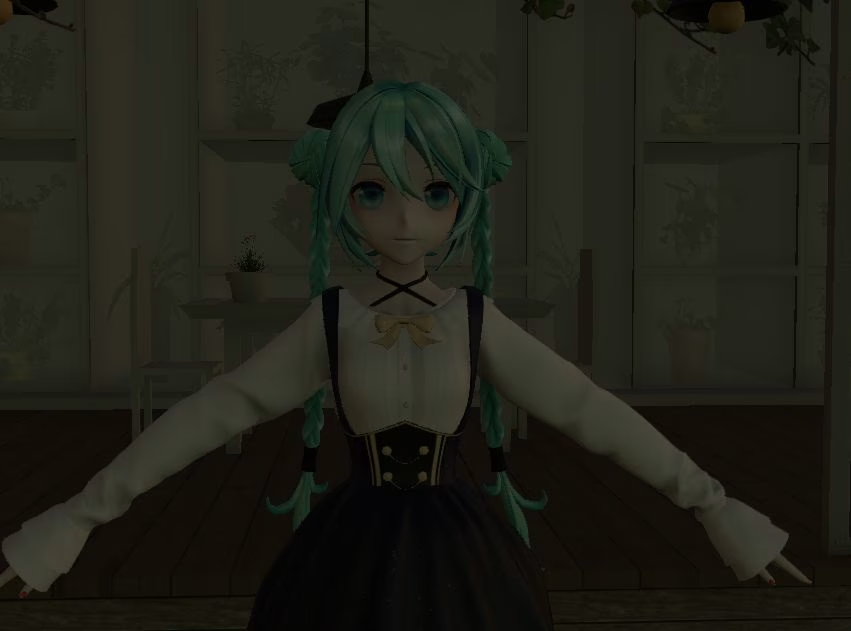
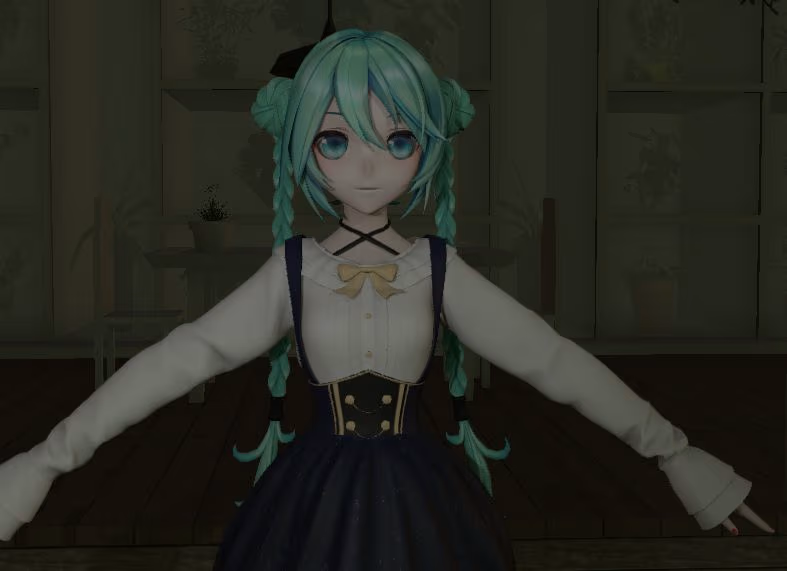
Here we have the model ill be using (Thank you NekoAkashi ❤️) and i made it dark on purpose so you can see the difference or u know something like that IDK FOLLOW THE TUTORIAL BRUH. Okay so
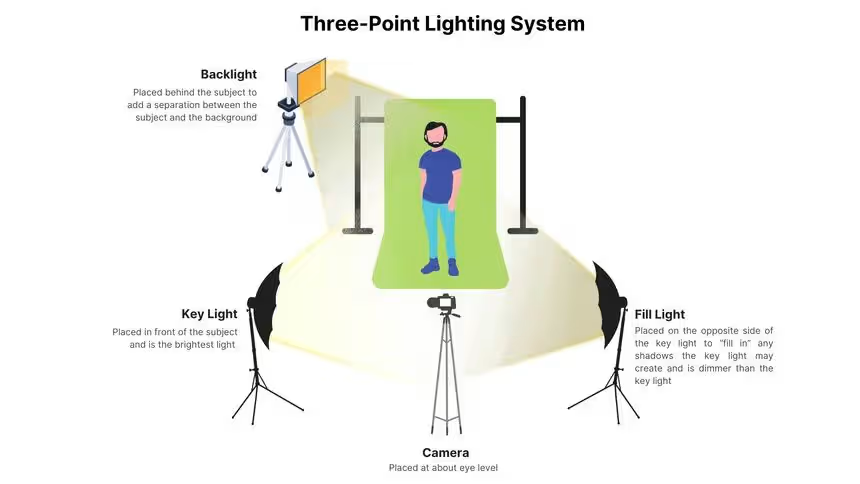
This is a classic three-point lighting setup — one of the most versatile and widely used lighting techniques in photography, film, and 3D rendering. It’s simple, effective, and easy to follow, making it perfect for almost any scene!
Step 1: Key Light (Main Light)
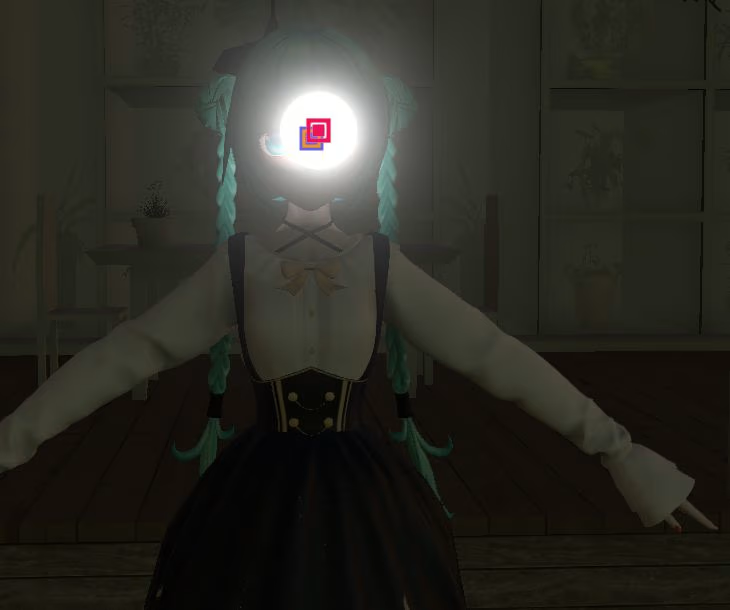
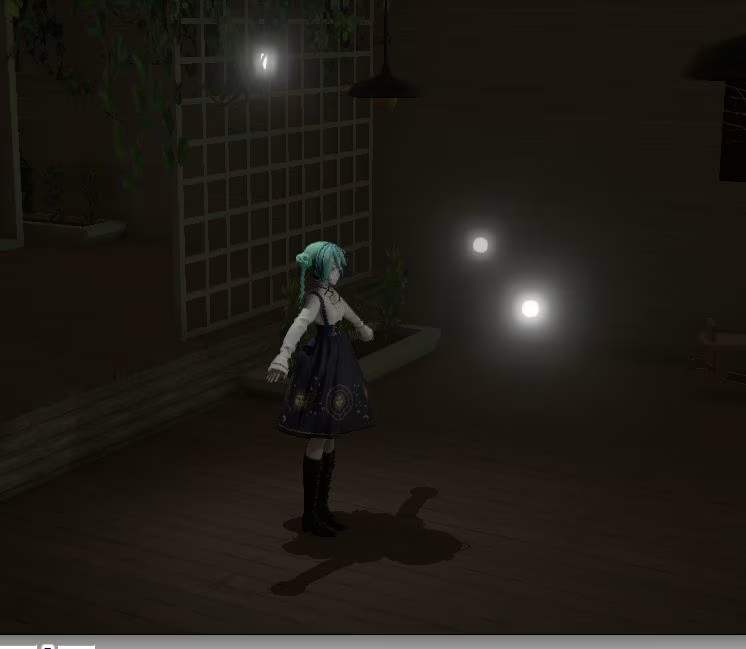
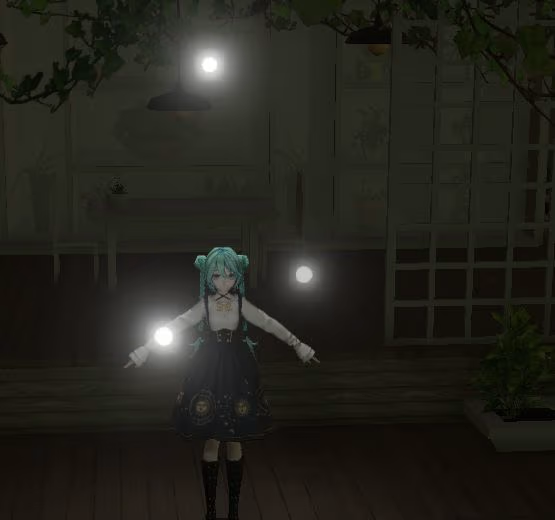
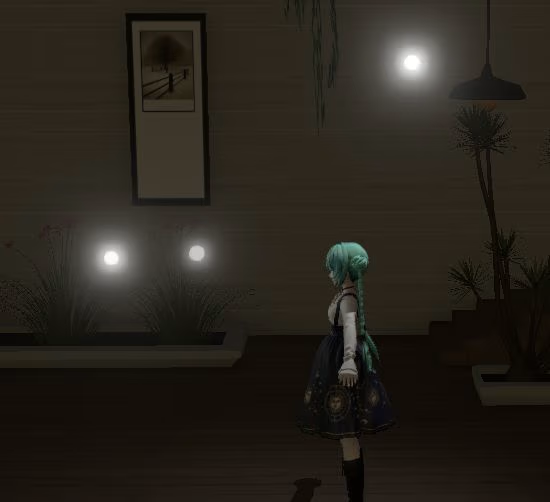
Load your spotlight and raise it to about head level on your model. It’ll look a little spooky at first... I know This is your key light , the main source of lighting. I usually place mine slightly to the left (it’s easier on my eyes), but you can choose whichever side works best for your scene. Just make sure it’s not too close , or the lighting will look harsh. And boom cinematic lighting already.
Step 2: Fill Light
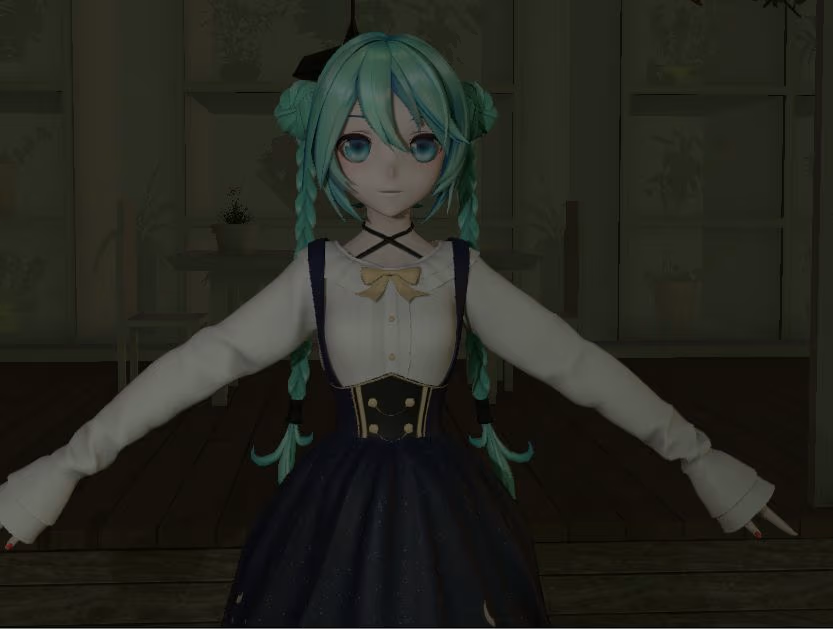
Now duplicate or add another spotlight. Follow Step 1 again, but this time move it to the opposite side. This is your fill light it softens and fills in the shadows created by your key light. Pretty self-explanatory. When positioning your fill light, try lifting it slightly higher or lower than the key. If both lights come from the exact same angle, your model can look flat or boring — and we don’t want that.
Here’s the after notice how the shadows feel softer and more balanced.
Step 3: Backlight (Rim Light)
Time for the final spotlight. Again, follow Step 1 but this time move the light behind your model and lift it up slightly. This is your backlight (or rim light). It creates separation from the background and gives that nice glowing edge around your character. And that’s it you now have a full three-point lighting setup.
Final Thoughts
Lighting will always change depending on the scene, mood, and model. Don’t be afraid to experiment or even throw in extra lights if it fits. At the end of the day, it’s about testing things and finding what looks good to you. I hope this helped! Feel free to ask me any questions MWAH
Discord: haru3haru
Explore DENDEWA LAB latest projects and innovations. Join us and grow together.